Product marketer
You have a short launch message but no established opening shot.
Draft the message first; if the exact product appearance matters, consider the vidnoz ai image to video generator for an image-led starting point.
Text-led creation
Start with the message your viewer needs to hear, then describe the scene that should carry it. A specific brief gives you a better basis for reviewing any generated video than a topic alone.
This is a planning brief, not a submitted video prompt. Copy it before opening Vidione, a separate editor; nothing typed here is sent there. Sign-in is required. Importing, trimming, captioning and exporting one source video does not require a paid plan; generating new video does require a paid plan and credits. Join separate videos and add exported title cards in another editor.
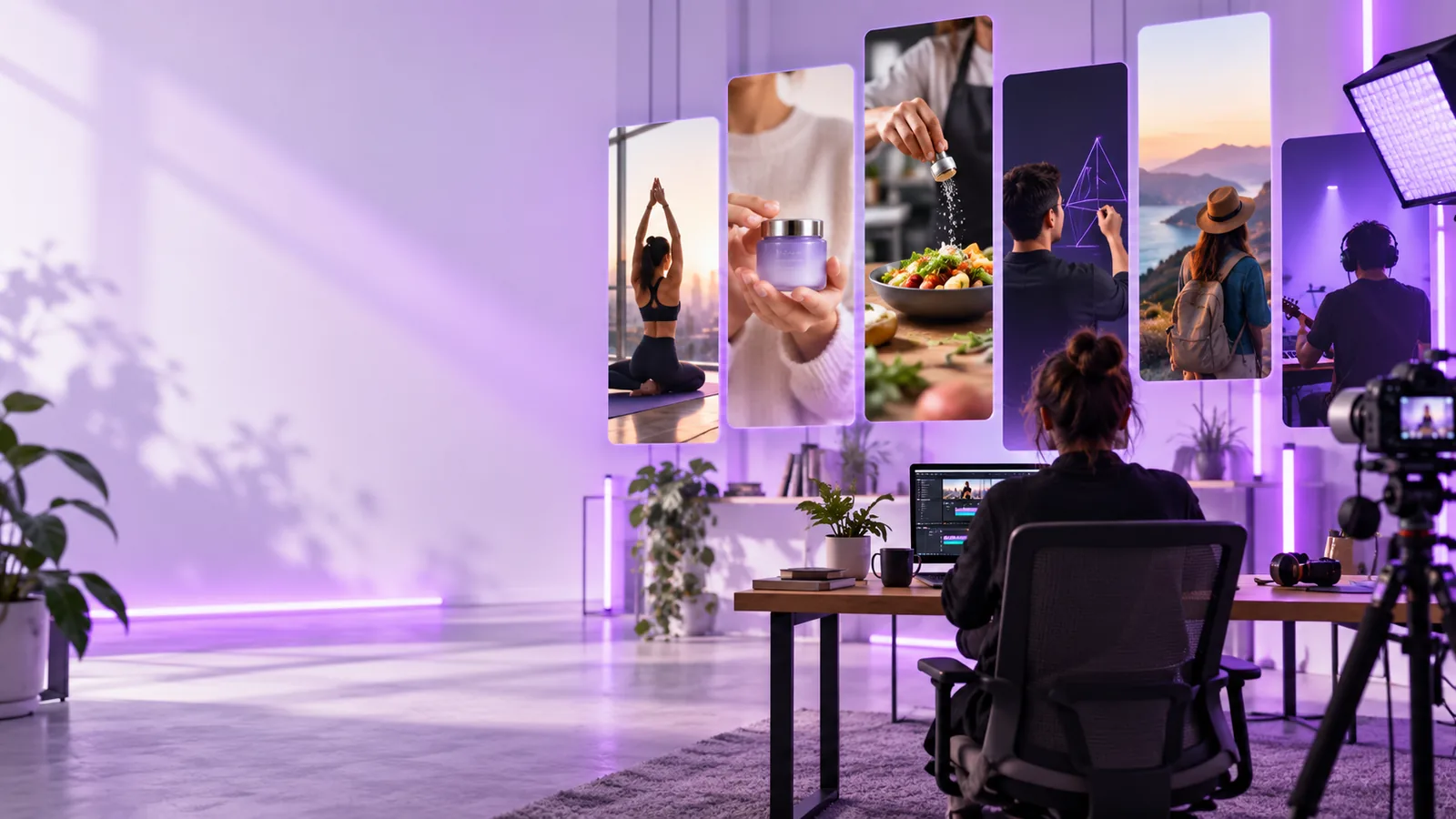
A text-to-video brief begins with words: the subject, intended viewer, key message and desired sequence. Choose another starting point when words alone cannot convey the material that matters.
You have a short launch message but no established opening shot.
Draft the message first; if the exact product appearance matters, consider the vidnoz ai image to video generator for an image-led starting point.
You need an introduction that explains what a lesson covers.
Write the learning objective before choosing visuals; vidnoz talking photo is a separate route to explore if a single portrait should carry the presentation.
You are outlining a recurring series and need a consistent viewer promise.
Turn the outline into a repeatable brief, then review vidnoz for youtube for channel-specific planning considerations.
You have a topic but are unsure how to describe the result.
Write a one-sentence goal, a scene and a closing line; vidnoz tutorial step by step covers a broader preparation workflow.
Text makes the intended message explicit. An image gives a visual reference, but may leave the story, pacing and spoken content open to interpretation.
| Text-led brief | Image-led brief | |
|---|---|---|
| Starting material | A written scene and message | An existing visual reference |
| Best-defined element | What the clip should communicate | What the subject should look like |
| Useful detail | Audience, sequence and closing line | Composition, subject and desired motion |
| Main ambiguity | Appearance may be interpreted loosely | Narrative intent may remain unclear |
| Good first check | Does the result express the intended message? | Does the result preserve the reference subject? |
| When to choose it | You have a script or concept but no essential source image | A specific product, person or scene must guide the visuals |
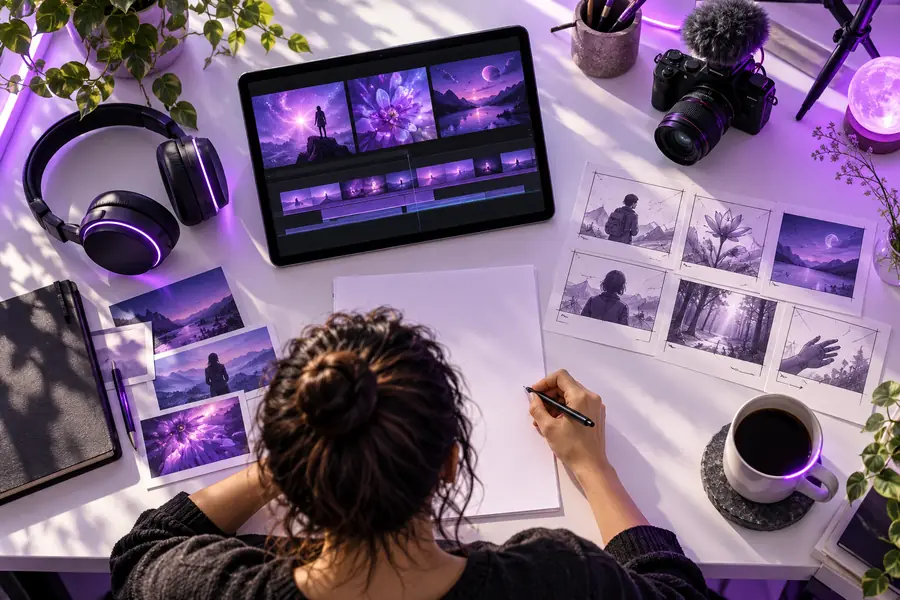
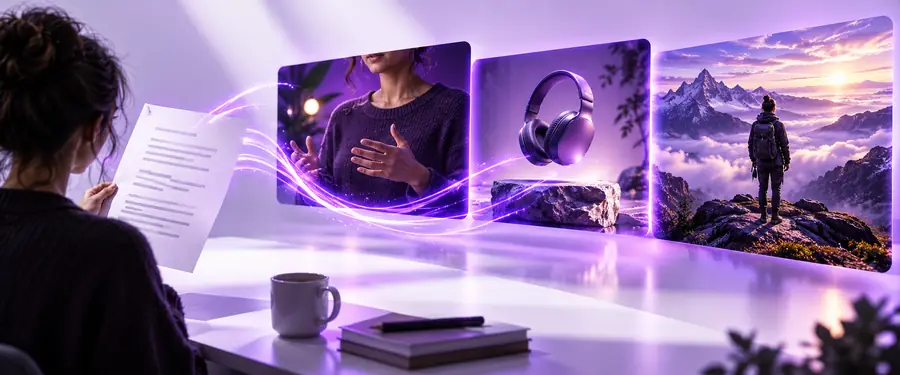
Use the slider as an illustration of the planning shift from a creation workspace toward a viewer-facing scene, not as a verified output from a particular prompt.
Planning view
These site illustrations are not a documented before-and-after generation. Judge your own text-to-video result against the brief you supplied.
Preview view
The comparison above separates message-first and reference-first inputs. These related guides help you decide which material to prepare before opening a tool.
A well-written prompt can state your intent, but it cannot guarantee that the generated clip will match every visual or factual requirement.
Words alone may not preserve a particular logo, package or physical detail.
What to do instead
Prepare an approved reference image and check whether an image-led workflow better fits the job.
A generated scene is not evidence that a statistic, testimonial or product claim is true.
What to do instead
Check the script against your source material and remove unsupported statements before publishing.
A written request may not produce the exact beat, pause or scene duration you imagined.
What to do instead
Keep each scene instruction short, then review pacing and revise the brief as needed.
A prompt does not establish permission to depict a person, use a brand asset or publish generated material.
What to do instead
Confirm consent, asset rights and the applicable tool terms separately.
Treat vidnoz text to video as a drafting process: define the message, request a scene, then evaluate what actually appears.
State the audience, one central point and the action or understanding you want at the end. Avoid combining several unrelated messages in one brief.
Name the subject, setting and one brief action. Write essential spoken lines separately: text in a prompt is not a reliable exported title. Vidione can bake subtitles into an edit, but arbitrary preview title text needs a separate editor to appear in the exported file.
Check that the clip communicates the right claim, depicts the intended subject and follows a sensible sequence. Revise the instructions or edit the result before sharing.
A useful text-to-video prompt describes both the message and the scene. Take your brief to the destination, check its current creation options, and assess any result before you publish it.
Describe who the clip is for, what it needs to communicate, and what should appear on screen. Add a short sequence or closing line if either is important. A topic by itself gives less direction than a scene with a clear purpose.
Text starts with a written description of the intended scene and message. Image-led creation starts with a visual reference, which is more useful when a particular subject or composition matters. Either route still needs a review of the result.
Do not assume that a written description will preserve exact packaging, logos or other fine details. Use approved visual references where the available workflow permits, and inspect the resulting frames before publication.
Review the visuals, wording, factual claims and rights before sharing. A generated video may differ from the prompt, and the prompt itself does not verify a claim or grant permission to use someone else's likeness.